Ableton Live for DJs Course | Barcelona
Ableton Live for DJs
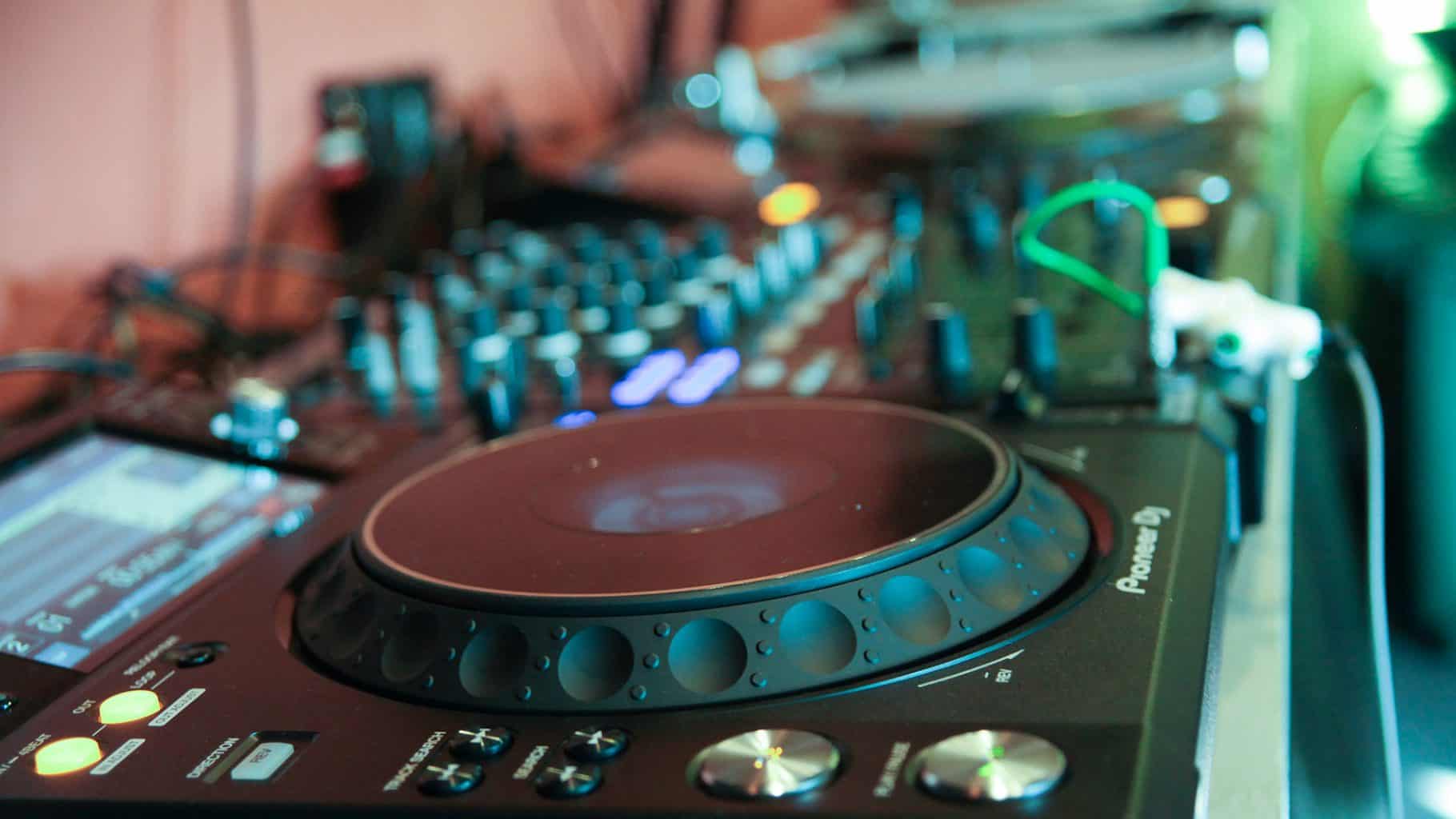
Take your DJ journey to the next level, with our specialized course, “Ableton Live for DJs”. Tailored for DJs looking to take the next step towards production, but not be bogged down in programming beats, music theory or Sound Design just yet. This course delves into the intricacies of Ableton Live, empowering you to create seamless mixes, craft edits, record parts, and refine your overall sound, in-person at our Ableton Certified Training Center in New York, or LIVE Online.
In Barcelona the Ableton Live for DJs Course runs as a small in-person class at our studio, taught in English by producers active in the city's electronic music scene, with the option to attend live online, using our specialist music collaboration software, Muse. Students join us from across Spain and the rest of Europe. Discover qualities that distinguish us, here.
Introduction to Ableton Live for DJs
- →Overview of Ableton Live interface and key functionalities.
- →Setting up your DJ rig within Ableton Live for optimal performance.
Advanced Mixing Techniques
- →Mastering the art of smooth transitions and creative mixing.
- →Using Ableton Live’s unique features for dynamic and expressive mixes.
- →Integrating external hardware controllers to enhance your mixing experience.
Recording and Editing Parts of Your Mix
- →Comprehensive guide to recording your live sets for future playback and analysis.
- →Techniques for editing and refining recorded mixes to perfection.
- →Incorporating effects and automation to add flair and individuality to your mixes.
Crafting Custom Edits
- →Understanding audio editing without delving into complex production workflows.
- →Creating personalized edits of tracks to fit your unique style and sets.
- →Incorporating loops, samples, and acapellas to customize your music library.
Workflow Optimization for DJs
- →Streamlining your DJ workflow within Ableton Live.
- →Tips and tricks to navigate the software efficiently during live performances.
- →Utilizing Ableton Live’s session view for on-the-fly creativity.
Performance Enhancement
- →Leveraging Ableton Live’s warping features for tight synchronization.
- →Incorporating live instruments and vocals into your DJ sets.
- →Real-time manipulation of audio to create dynamic and engaging performances.
Remixing and Mashups
- →Dive into the world of remixing and creating unique mashups using Ableton Live.
- →Master the art of sampling and manipulating tracks on the fly.
Final Project
- →Applying the skills learned throughout the course to create a personalized, polished DJ set.
- →Peer and instructor feedback for continuous improvement.
In our students' words.
“Lots of one on one, great break down, wonderful teacher. Awesome staff..I cant wait to take a production course to advance what I have learned in this class. Very positive, super supportive. I'm so happy I decided to cont. with my education..201 made everything gel in my brain from the first class especially when I started playing out. It all made sense.”
Bee Cregar
Instructors



Before you enrol.
Yes - warping for tight synchronization is covered under performance enhancement.
In-person at our Ableton Certified Training Center in New York, or Live Online.
How to sample and manipulate tracks on the fly to create your own unique mashups and remixes.
No - the skills apply across genres, focused on mixing, editing and performance technique rather than any one style.
As a full curriculum, moving from the Ableton interface and DJ rig setup through advanced mixing, editing, custom edits, workflow, performance and a final project.
Ready when you are.
InquireWhy train with us?
Mapping Key and Velocity Zones in Sampler, Looping
How to map key zones and velocity zones in Ableton's Sampler, and how its sustain and release loops work - from the Ableton Advanced course notes.
Read →FM: Algorithms, Filter
The bottom Operators are directly connecting to the output and their envelopes control volume over time. In FM terms they are Carriers.
Read →Granular: Creative Time Stretching
is a technique used to manipulate audio samples to create unique and interesting sound design.
Read →PM: Collision and Corpus: Sound Design
Collision is a physical modeling synthesizer in Ableton Live that simulates the behavior of different resonant objects, allowing for the creation of…
Read →FM: Intro to FM
FM synthesis (frequency modulation synthesis) is a method of sound synthesis that uses one or more modulating oscillators to manipulate the frequency of…
Read →Granular: Grain Delay
The Grain Delay effect slices the input signal into tiny particles (grains) that are then individually delayed and can also have different pitches…
Read →